







Android 16 Unauthenticated connection settings
Android 16 Unauthenticated connection settings
- From the Home screen, tap [Settings]
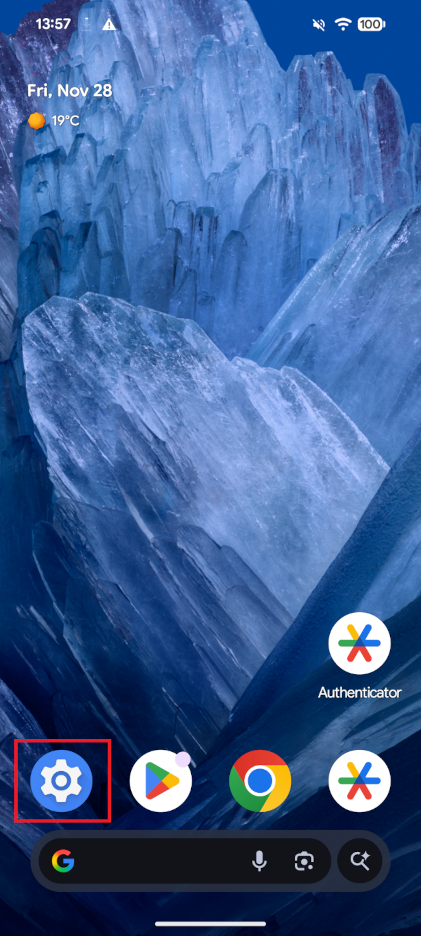
- Tap [Network and Internet]
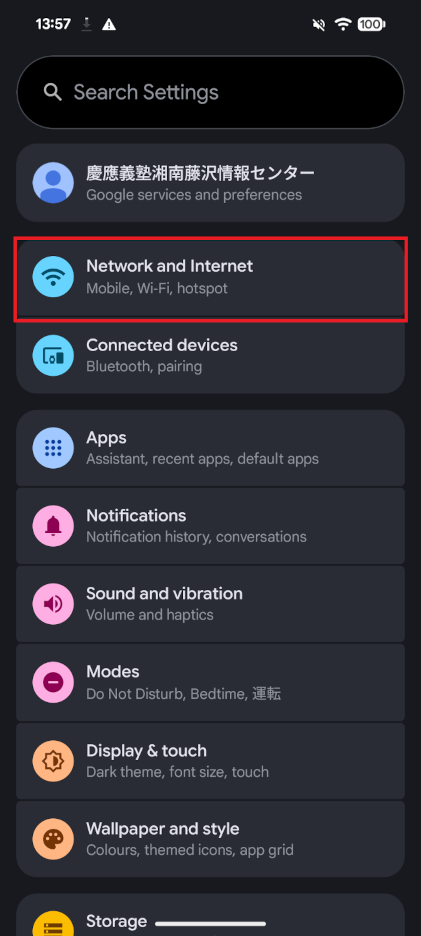
- Tap [Internet]
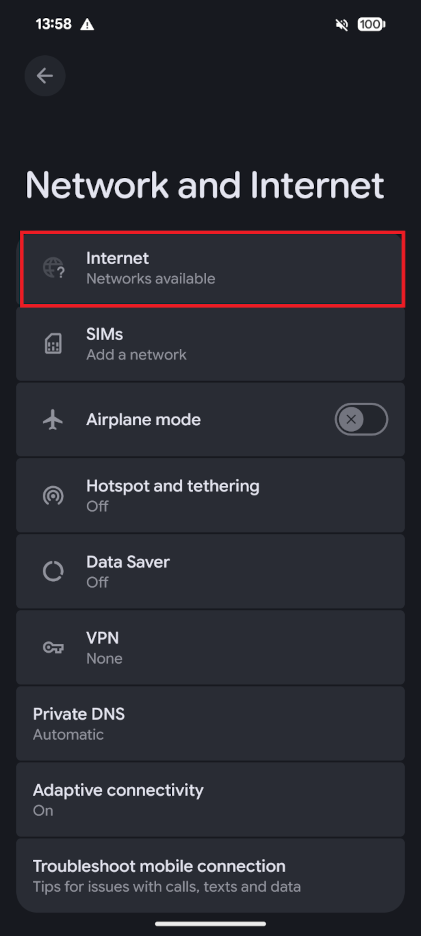
- Tap [Add network]
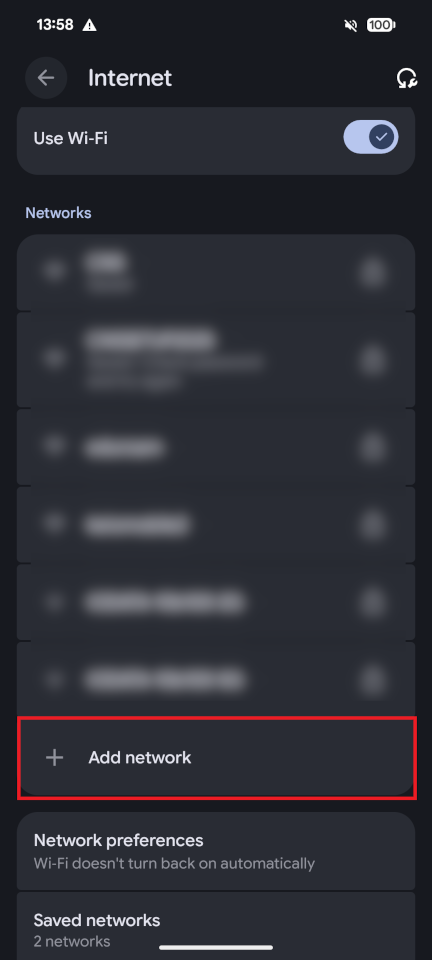
-
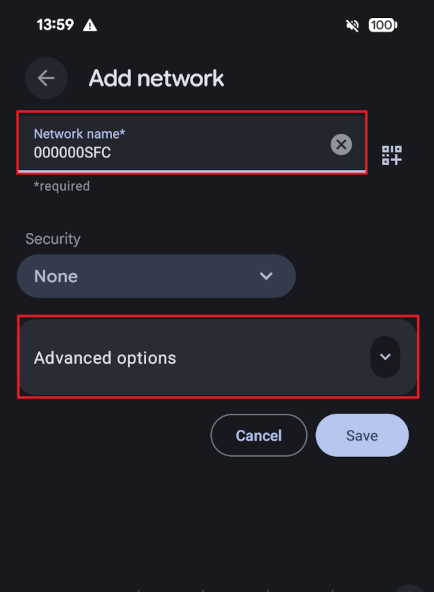
Enter [000000SFC] in the [Network name] field, and then tap [Advanced options] at the bottom.
-
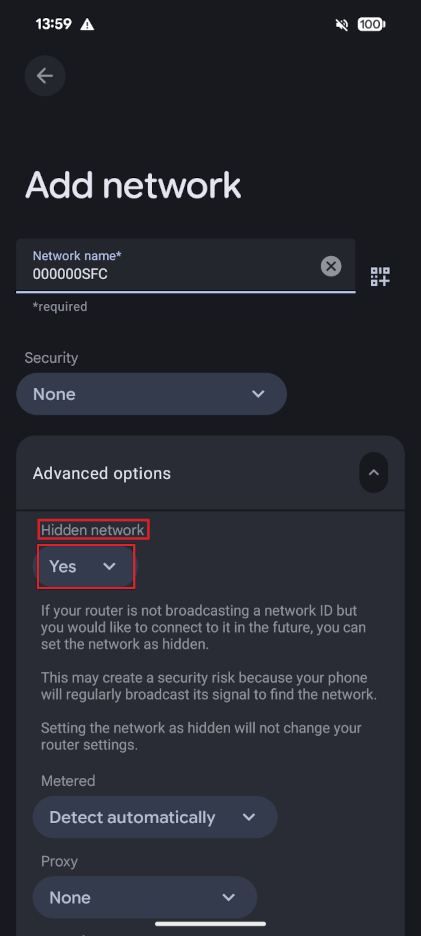
Change [Hidden network] to [Yes] and tap [Save]
-
The connection is successful as long as [000000SFC] is listed with the status [Connected / No Internet access]
Although the status says [No Internet connection], the connection is functional for internal campus access only
(specifically within the 133.27/16 and 131.113/16 subnets)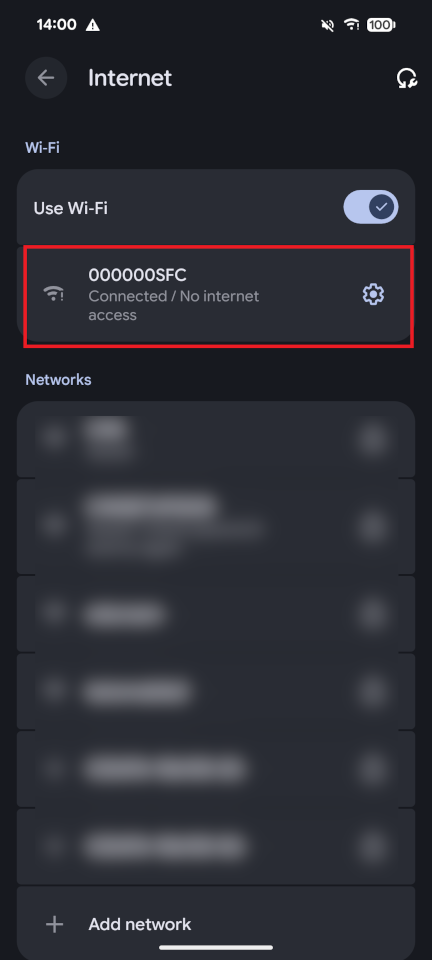
Last-Modified: December 15, 2025
The content ends at this position.